AI Document Processing: From Incoming Files to Validated Data
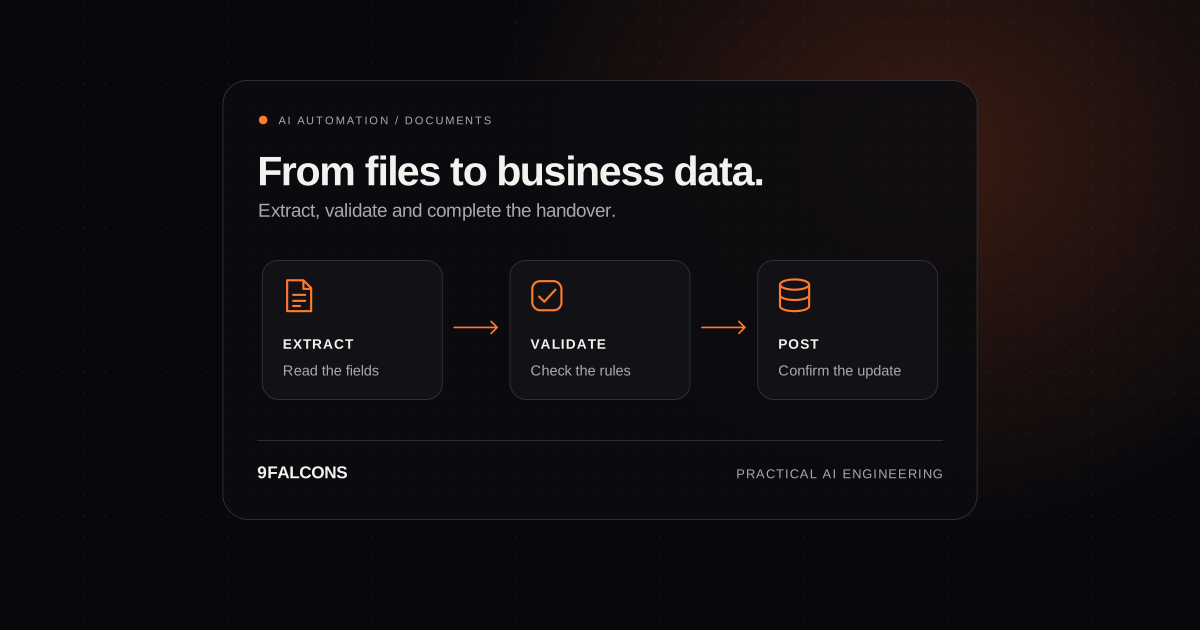
Reading a document is only the first step. A useful automation extracts the right fields, checks them, handles exceptions and safely updates the system your team works in.
An invoice can be perfectly readable and still take several people to process. Someone identifies the supplier, copies the values, finds the matching order, checks the totals and enters the result into another system. AI document processing becomes valuable when it improves that entire journey, including the cases that should remain with a person.
OCR, extraction and business validation are different jobs
OCR turns text in a scan into machine-readable characters. Extraction identifies fields such as an invoice number, supplier, currency or line item. Validation checks whether those values are consistent and acceptable for your business process. Reading a total correctly does not prove that the supplier is approved, the invoice is unique or the purchase order allows the charge.
Google's Document AI overview describes transforming unstructured documents into structured fields. Your implementation still needs to decide what those fields mean in your own systems and how an operator handles uncertain or conflicting information. Model confidence is one signal; it is not a substitute for business rules.
Map the workflow from intake to a confirmed update
| Stage | Work | Example control |
|---|---|---|
| Receive | Capture a file from email, upload or an API | Store the original with a stable identifier and access restrictions |
| Classify | Identify the document type and appropriate processing route | Send unknown or unsupported types to a review queue |
| Extract | Read the required fields and line items | Keep missing fields and their source locations |
| Validate | Check values against rules and business records | Match supplier and order, detect duplicates and reconcile totals |
| Review | Let an operator correct uncertain results | Show the original beside the proposed data |
| Post | Update the destination system and confirm completion | Prevent duplicate writes and record the destination reference |
A file received is not the same as a completed transaction. Track the document through each stage and confirm that the destination accepted the update. If an accounting or transport system is unavailable, the work should remain recoverable instead of appearing successful because extraction finished.
Invoice automation: decide which fields must be right
For an invoice pilot, agree a schema before picking a model. A useful starting set might include supplier identifier, invoice number, issue date, currency, purchase-order reference, line amounts, tax and total. The exact fields depend on the destination and approval process. A missing purchase-order number may require review even when every visible number was read correctly.
- Check whether the supplier and purchase order exist in the relevant business records.
- Compare identifiers and file fingerprints to catch repeat submissions and reruns.
- Check arithmetic using the correct currency and tax rules for the transaction; do not infer missing values silently.
- Define which differences require approval, who can resolve them and what evidence is retained.
- Keep extraction and validation separate from payment approval. A successful read should not by itself authorise a payment.
Design the exception queue before removing manual entry
Include scans with poor image quality, unfamiliar supplier layouts, multi-page tables, missing pages and conflicting values in the evaluation set. An operator should see the original document, the proposed fields and the reason for review. A queue that simply says 'AI failed' moves the investigation burden onto the team you intended to help.
Start by reviewing proposed updates and expand automatic posting only for the cases that meet agreed acceptance rules. Keep a record of corrections and test whether later changes improve the same evaluation set. Do not assume that saving a correction automatically retrains a model; that feedback path needs to be deliberately designed and tested.
A real logistics implementation on AWS and Google Cloud
Our AI document-processing case study describes a Canadian logistics provider handling invoices, bills of lading and customs forms. The platform combined AWS intake and orchestration with Google Cloud document understanding, then validated extracted data before updating the transport management system.
The implementation processed 80% of documents without manual entry, with uncertain results routed to a review screen. This straight-through processing measure describes how work was handled; it is not a claim of 80% extraction accuracy. The project also connected processing data to analytics. Those outcomes are specific to the client's documents, rules and systems, and should not be used as a guaranteed target for another business.
Choose an architecture that fits your operating environment
A multi-cloud design made sense in that project because operational applications ran on AWS while the analytics team already used BigQuery. A smaller pilot may need only one cloud or a workflow connected to existing services. Do not add providers simply to copy an architecture diagram. Consider where documents may be processed, who can access them, retention requirements, expected volume and who will maintain the integration.
For an n8n-based orchestration, distinguish the workflow from the extraction service it calls and budget for both. Our n8n development cost guide explains those ownership costs. Our AI automation service covers the complete process, while our AI engineering service addresses custom extraction or model integration where needed.
Measure whether the process is actually improving
| Measure | What it tells you |
|---|---|
| Critical-field correctness | Whether important values match reviewed reference data |
| Straight-through rate | How many completed documents avoid manual intervention |
| Review effort | How much operator time exceptions consume |
| End-to-end completion time | Time from receipt to a confirmed destination update |
| Cost per completed document | Extraction, workflow, infrastructure and review cost together |
Evaluate the metrics together. A system can increase its automatic-processing rate by accepting uncertain data, but that does not make it better. Split results by document type and supplier rather than hiding a difficult category inside an overall average. Use the automation ROI guide to compare the full process cost with the manual baseline.
What to bring to a scoping conversation
Choose one document type, describe the fields your team enters and identify the receiving system. Prepare a representative sample, including difficult layouts, using an agreed secure sharing method. Note monthly volume, current handling time and who approves exceptions. Discuss a document automation pilot with 9Falcons and we can work through the scope, access requirements and acceptance measures before a broader rollout.
Frequently asked questions
Can AI process invoices with different layouts?
Document extraction systems can handle varying layouts, but performance must be evaluated on your suppliers and document quality. Unfamiliar formats, missing information and conflicting values should have a review path rather than relying on an assumed universal accuracy rate.
What is the difference between OCR and intelligent document processing?
OCR reads text. A document-processing workflow adds classification, field extraction, validation, exception review and integration with business systems. Reading a field correctly does not establish that a transaction should be approved.
Can you connect extracted data to our ERP or accounting system?
Yes, where the required APIs or supported import mechanisms are available. Discovery should confirm access, field mappings, duplicate prevention, posting permissions and how the destination confirms a successful update.
Do we need AWS and Google Cloud for a document pilot?
No. The case study used both because that matched the client's existing environment. A pilot should use the simplest architecture that meets its processing, access, reliability and maintenance requirements.