Mobile App UI/UX Design Trends
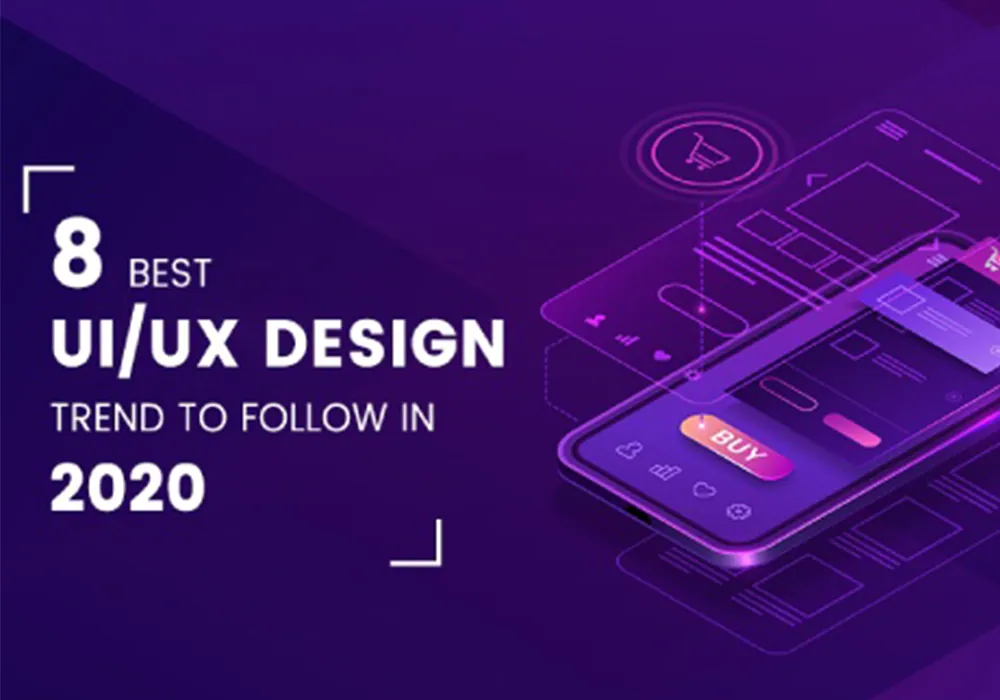
The interface patterns shaping mobile apps people love: from adaptive layouts to motion that explains, not decorates.
Great mobile experiences feel effortless, but that simplicity is designed. These are the patterns we see making the biggest difference in the apps we design and build.
1. Thumb-first navigation
Phones keep getting bigger while thumbs stay the same size. Primary actions belong in the bottom third of the screen, with bottom navigation bars, floating action buttons and bottom sheets replacing hard-to-reach top menus.
2. Motion with a purpose
Micro-interactions confirm actions, show where content came from and make waiting feel shorter. The best motion is quick, consistent and respects the system's reduced-motion setting.
3. Adaptive and personal interfaces
Apps increasingly adapt to the user: remembering preferences, surfacing recent actions and supporting dynamic type and dark mode out of the box.
4. Accessibility as a baseline
- Touch targets of at least 44×44 points
- Sufficient colour contrast in both light and dark themes
- Full support for screen readers and dynamic text sizes
- Never relying on colour alone to communicate state
5. Simpler onboarding
Long tutorials are giving way to progressive onboarding: let people use the app immediately and explain features at the moment they become relevant. Ask for permissions only when the benefit is obvious.
6. Design systems that scale
Shared components and design tokens keep iOS, Android and web versions consistent, speed up development and make rebrands far less painful.
Trends come and go; clarity doesn't. Use these patterns where they serve your users, and test everything with real people before you ship.